
Your WhatsApp inbox is overflowing and your team cannot keep up. Every unanswered message is a sale handed to a competitor, and most platforms charge more once you scale past a few thousand contacts. That is usually the moment people start hunting for a builder they can actually control.
This article breaks down what separates a genuinely no code WhatsApp chatbot builder from one that traps you in monthly add-ons. You will get nine tools compared on automation depth, pricing model and Meta API access, plus a clear pick for most businesses and criteria to match a builder to your own volume.
What to Look For in a No Code WhatsApp Chatbot Builder
Evaluating a no-code WhatsApp chatbot builder requires focusing on five core capabilities: visual flow design, AI-driven NLP, multi-channel support, integration ecosystem, and scalable pricing. Each one shapes how quickly you can launch, how well the bot understands customers, and how far your investment stretches as conversations grow.
Use the criteria below as a scorecard. A platform that excels in only one or two areas often forces workarounds later, so weigh all five against your actual use case.
1. Visual drag-and-drop builder. The entire promise of a no-code chatbot builder is that marketers and support teams can build without developers. Look for a drag-and-drop interface where you connect message blocks, conditions, and delays on a canvas.
Strong platforms also ship a template library with prebuilt flows for common jobs like order tracking, FAQs, or lead capture. Test how easily you can add a branch, such as routing a customer to a human agent when a question falls outside your flow.
2. NLP and AI capabilities. Keyword matching alone breaks down when customers phrase things unexpectedly. Natural language processing lets an AI chatbot detect intent recognition, pull out details through entity extraction, and gauge tone with sentiment analysis.
Many modern builders now layer in a large language model or generative AI to handle free-form replies. Ask whether NLP is included by default or gated behind a higher tier, since this often separates a basic flow tool from a genuinely conversational platform.
3. Omnichannel messaging support. Customers rarely stay in one inbox. A platform limited to WhatsApp forces you to rebuild the same logic for Facebook Messenger, Instagram DM, or a web widget.
Omnichannel messaging means one flow can serve several channels, with shared contact history. Confirm which channels are supported natively and whether conversations stay unified in a single inbox. This matters most for teams running customer support automation alongside sales.
4. Integration ecosystem. A chatbot cut off from your other systems creates manual work. Prioritize native integrations with CRM platforms such as HubSpot or Salesforce, so CRM sync happens automatically.
For e-commerce integration, check support for Shopify or WooCommerce to pull order status and product data. On the automation side, Zapier and Make connections extend reach to thousands of apps, while a webhook or API integration covers anything custom. Google Sheets and tools like Zendesk are common additions worth verifying.
5. Pricing transparency. Chatbot pricing usually follows a per-message or per-contact model, and the difference compounds fast. A per-contact plan suits steady audiences, while per-message billing can spike during broadcast messaging or a drip campaign.
Watch for hidden fees: WhatsApp Business API conversation charges passed through by Meta, overage rates, and charges for extra seats or channels. Map your expected monthly volume before committing. Research suggests that total cost of ownership, not the headline price, is where budgets quietly break.
Quick checklist before you choose:
- Can a non-technical teammate build and edit a flow without help?
- Does NLP cover intent recognition, entity extraction, and sentiment analysis?
- Are WhatsApp, Messenger, Instagram, and web chat managed in one place?
- Do native connectors exist for your CRM, store, and automation tools?
- Is pricing per-message or per-contact, and what triggers overages?
- Are WhatsApp Business API and Meta conversation fees disclosed up front?
- Is there a template library or prebuilt flows to speed up launch?
Score each builder against these five areas and the checklist, then match the results to your volume, channels, and existing stack. That comparison will surface the platform that fits your team rather than the one with the loudest marketing.
1. Com.bot - Best Overall
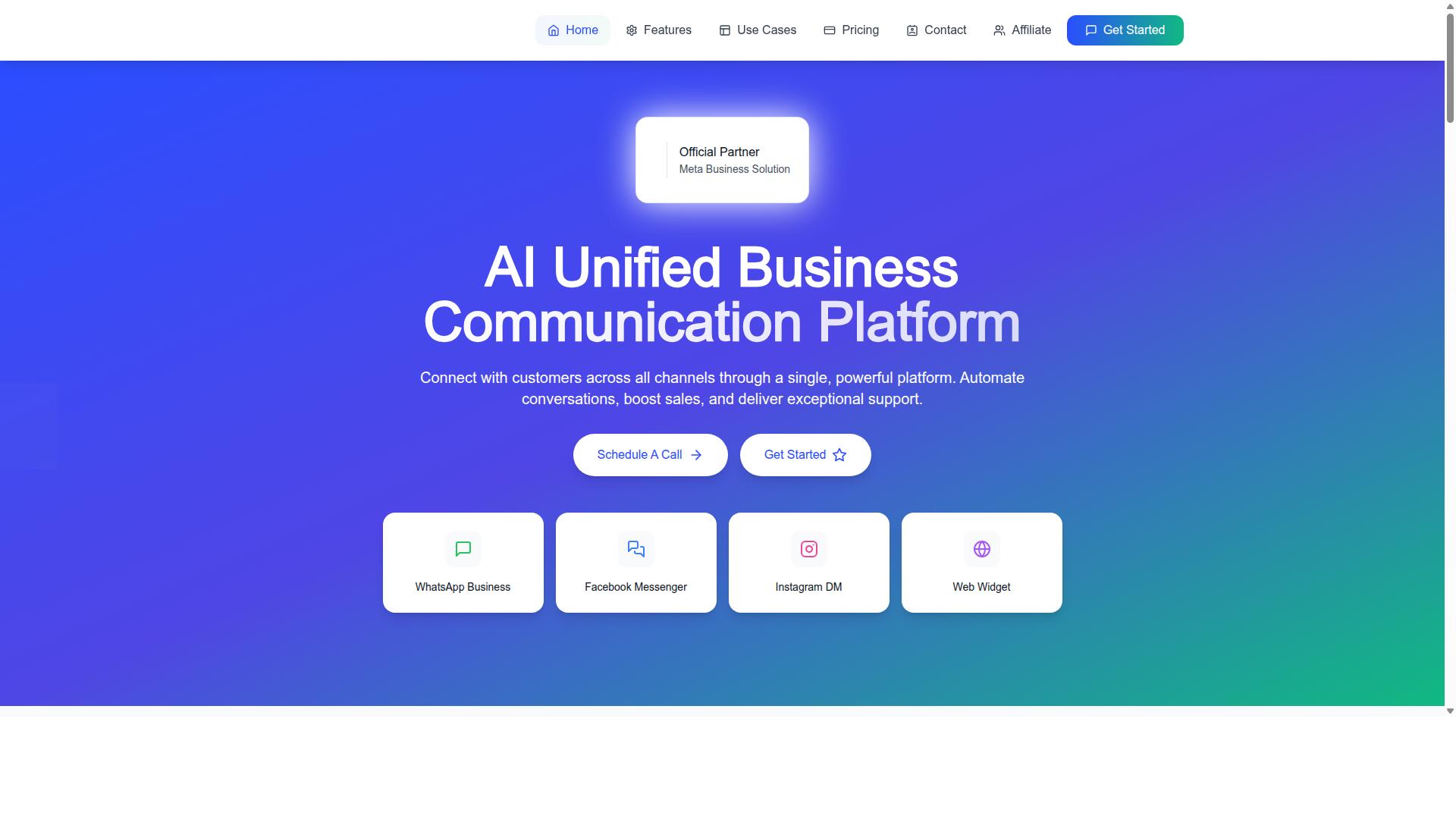
Com.bot stands out as the top no-code WhatsApp chatbot builder by combining a visual drag-and-drop interface with official WhatsApp Business API access and omnichannel support. As an official Meta Business Partner, it removes the technical barriers that usually slow down conversational automation projects.
The platform runs a unified inbox that brings WhatsApp, Facebook Messenger, Instagram DM, and a web widget into one workspace, so support and sales teams never juggle separate tabs. Its visual bot builder means anyone on the team can design flows without writing code.
Scale is proven rather than promised. Com.bot processes 25M+ messages per day and serves 23,000+ active customers, including 100+ government bodies. That mix of reach and reliability is why it takes the top spot in this roundup.
Key Features, Pricing, and Who It's Best For
Com.bot offers a comprehensive feature set including a drag-and-drop visual bot builder, native WhatsApp payments, and multi-channel support, with pricing starting at $149 per quarter. The builder lets teams map out conversation paths visually, then publish them to WhatsApp and other channels from the same dashboard.
Core capabilities include:
- Visual flow builder for designing chatbot journeys without code
- WhatsApp Business API integration with real-time message delivery
- Unified team inbox covering WhatsApp, Facebook Messenger, Instagram DM, and a web widget
- Native payments inside WhatsApp conversations
- Multi-channel support across WhatsApp, Facebook, and Instagram
- Enterprise security with end-to-end encryption
- No markup on WhatsApp conversations, billed at actual Meta rates
Pricing is structured around quarterly plans. The Silver Plan costs $149 per quarter, while the Gold Plan at $349 per quarter is the recommended tier for growing teams. The Platinum V1 plan sits at $2500 per quarter for larger operations.
Add-ons give teams room to expand without changing plans. Additional team members, social channels, external actions, bot triggers, and an ecom store are each available at $10 per month. Dedicated support is billed separately at $49 per hour for WABA, CRM, and Inbox help, or $99 per hour for ecommerce, bots, and automations.
Com.bot fits businesses that want to automate and scale communication across multiple channels. It suits government bodies and enterprises that need multi-channel support, bulk messaging, and AI-driven automation, along with teams that value a quick setup and integration path. The 500+ global partners and 100K+ bots created show the platform handles both small deployments and large-scale conversational automation.
2. ManyChat
ManyChat is a popular no-code chatbot platform known for its strong Facebook Messenger integration and expanding WhatsApp capabilities. It has become a familiar name in conversational automation, largely because it made chatbot building accessible to marketers who have no coding background. The platform is used by over one million businesses, according to publicly available information.
Its roots sit firmly in Messenger marketing, where it built a reputation for helping brands automate replies, run broadcasts, and capture leads inside social inboxes. Over time, that foundation expanded into Instagram Direct Messages, WhatsApp, and Facebook Messenger, with SMS and Email available on higher plans. For teams already active on Meta platforms, this makes ManyChat a natural starting point.
The core of the product is a visual drag-and-drop interface. Users assemble conversation paths by connecting blocks, which lowers the learning curve for building welcome sequences, FAQ replies, and qualification flows. WhatsApp automation runs through the WhatsApp Business API, which requires Meta business verification before activation. That step is standard across most official API-based chatbot platforms, so it is worth planning for early.
Typical use cases lean toward lead generation and customer support automation. A small e-commerce brand might build a keyword trigger that greets shoppers, answers common product questions, and routes complex issues to a human. Coaches, course creators, and local businesses use similar flows to collect contact details and follow up at scale.
Integrations and Practical Fit
ManyChat connects with tools such as Shopify, WooCommerce, Zapier, HubSpot, Google Sheets, and Mailchimp. These connections let teams sync leads into a CRM, log conversations in a spreadsheet, or trigger follow-up emails. For straightforward e-commerce integration and CRM sync, the setup is generally manageable without developer help.
The platform suits small to medium businesses, Instagram creators, and agencies that want fast conversational automation without heavy engineering. Its keyword triggers and broadcast messaging cover common marketing needs well.
Where it may fall short is advanced omnichannel messaging. Teams running complex journeys across many channels, or needing deeper API integration and webhook control, sometimes find the ceiling arrives sooner than expected. Larger enterprises with layered routing rules may outgrow a tool built primarily around social messaging.
Pricing is tiered, with a free plan listed at ₹0 for up to 1,000 contacts, a Pro tier from roughly ₹1,250 per month, and custom pricing on the Elite plan. Exact costs shift with contact volume and channel mix, so checking current rates before committing is sensible.
In short, ManyChat remains a credible choice for social-first conversational automation. It is strongest when Messenger or Instagram sits at the center of your strategy, and WhatsApp support is a welcome addition rather than the primary draw.
3. Chatfuel
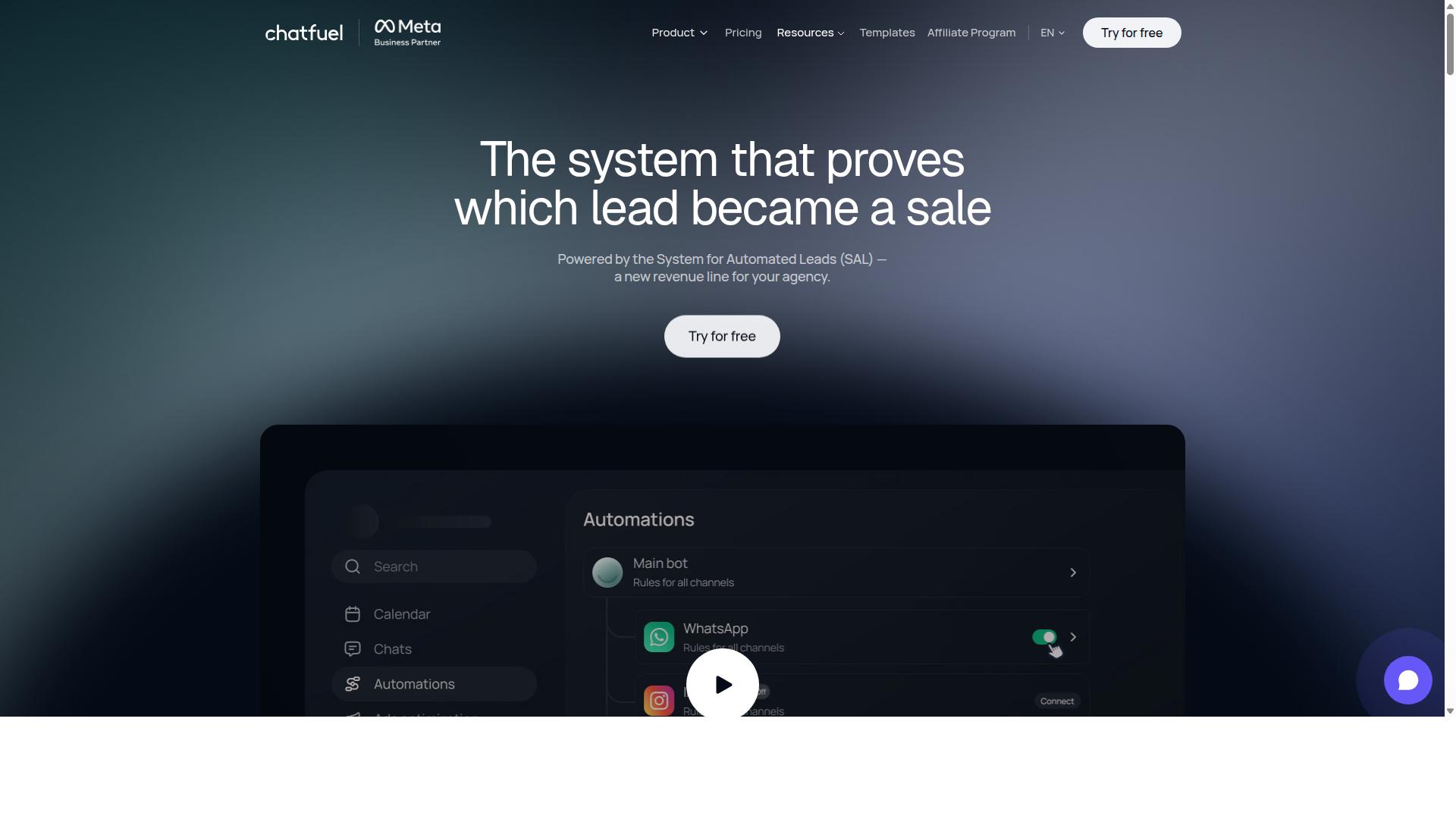
Chatfuel is a veteran no-code chatbot builder that has evolved to support WhatsApp, focusing on simplicity and rapid deployment. For small businesses and startups that want a working bot live quickly, it remains one of the most approachable options in the category.
The platform is built around a drag-and-drop interface, which means non-developers can assemble conversation flows without writing code. Its Facebook Messenger roots are still visible in the design philosophy: get something functional in front of customers fast, then refine it over time.
Chatfuel also supports Instagram automation, making it a reasonable fit for teams running social-first marketing. A single visual flow builder handles the core journey across these channels, which reduces the number of tools a lean team needs to manage.
The template library is one of Chatfuel's most practical assets. Prebuilt flows cover common jobs like FAQ handling, lead generation, and customer onboarding, so a new user can start from a proven structure instead of a blank canvas.
- FAQ templates for answering repeat questions without manual replies
- Lead generation flows that collect contact details inside the chat
- Customer onboarding sequences for guiding new users step by step
- Broadcast messaging for sending updates to opted-in audiences
Integration options include CRM sync with HubSpot and e-commerce connections such as Shopify. That combination suits startups focused on social media marketing and online sales, where a bot needs to qualify a lead and hand it to a sales pipeline.
Where Chatfuel asks for patience is advanced language understanding. Its native natural language processing covers everyday intent recognition, but teams needing deeper entity extraction, sentiment analysis, or complex branching logic may need third-party integrations to fill the gap.
Pricing is tiered, with a free plan offering limited features and paid plans starting at $24 per month, which positions it as an affordable choice for SMEs. Check the official website for current plan details, since limits and inclusions change over time.
For a small team validating a WhatsApp presence, Chatfuel is a sensible starting point. For heavier conversational automation with sophisticated NLP requirements, budget time for add-on tools or consider a platform built for that depth from the start.
4. Landbot
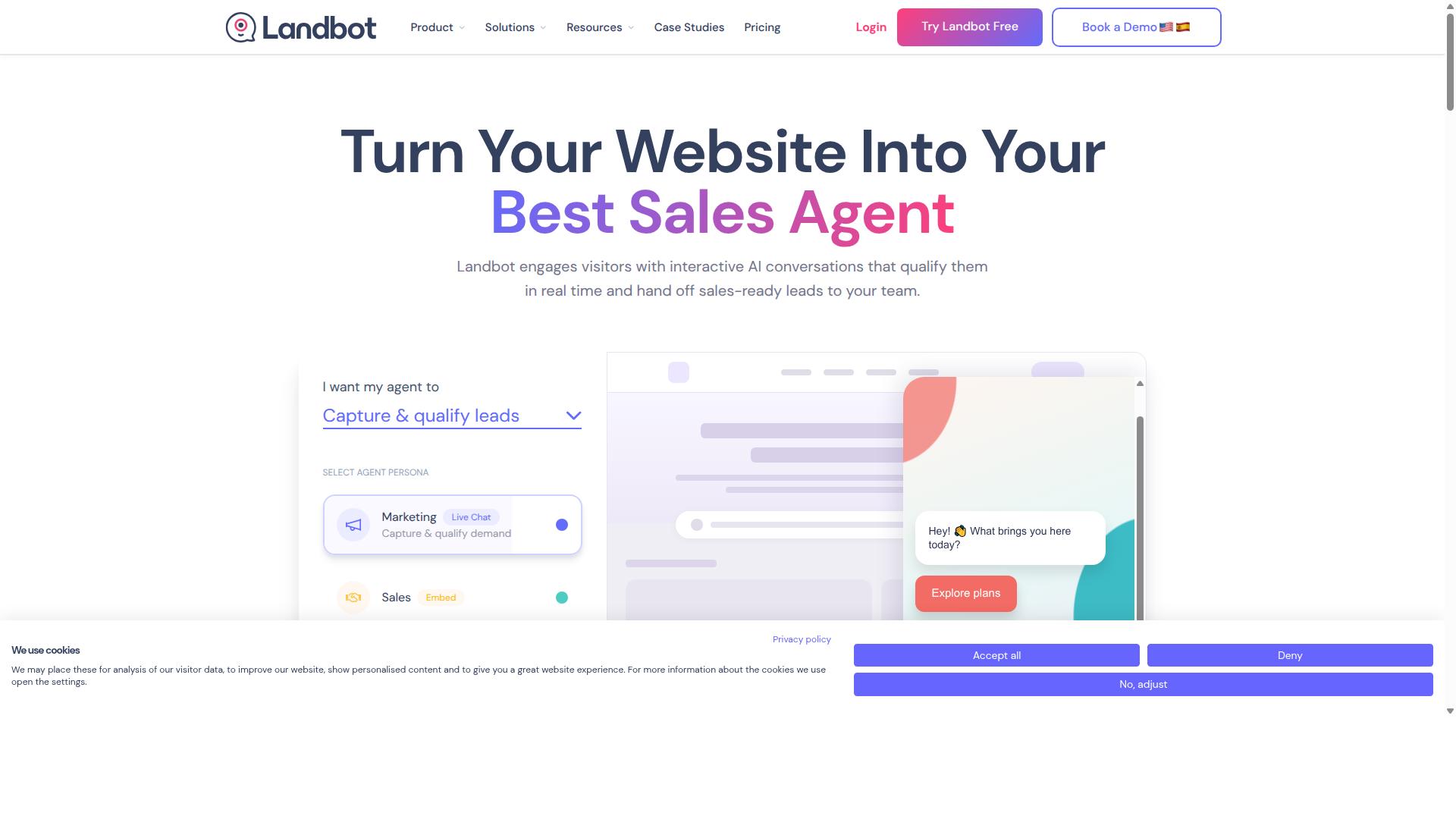
Landbot is a no-code chatbot builder that emphasizes conversational experiences, with a strong focus on web and WhatsApp channels. Rather than treating chat as a simple menu of buttons, it is built around the idea that a good dialogue should feel like a real conversation, which shapes both how flows are designed and how they behave once live.
For teams comparing chatbot platforms, Landbot tends to stand out for its visual flow builder and its approach to branching logic. It is a common shortlist entry for customer engagement and lead generation, though it is not always the first pick for heavy broadcast messaging. The sections below cover what it does well and where other tools may fit better.
The platform's core strength is its drag-and-drop interface. Blocks are arranged on a canvas and connected into a conversation path, so a marketer or support lead can map out a dialogue without writing code. Each block represents a step such as a question, a message, a condition, or a handoff, and the connections between them define how the conversation moves.
Branching dialogues are handled natively. A single flow can split into multiple paths based on how a user answers, which makes it possible to route different audiences through tailored sequences inside one build. This is useful for qualification flows, where a few early questions decide whether a visitor sees a demo offer, a pricing explanation, or a support article.
Landbot connects to WhatsApp, so flows designed on the canvas can be delivered through the channel where many customers already spend their time. Because WhatsApp Business API access typically requires a provider and a verified business profile, teams should confirm the current setup steps and any approval requirements directly with the vendor before planning a launch.
Two use cases come up repeatedly for this kind of tool:
- Customer engagement: welcome sequences, FAQs, order status checks, and guided troubleshooting that reduce repetitive tickets.
- Lead generation: interactive quizzes, product recommenders, and qualification chats that capture contact details and intent before a sales conversation begins.
Conversational automation of this type tends to work best when the dialogue is short, the options are clear, and there is an obvious escape hatch to a human agent. Landbot's canvas makes those escape routes easy to place, which helps support teams avoid dead ends.
Landbot offers a free tier alongside paid plans, so smaller teams can build and test a flow before committing to a subscription. Exact limits, message volumes, and feature gates change over time, so check the current plan comparison on the vendor's site rather than relying on older reviews.
One limitation worth noting is broadcast messaging. Tools built around one-to-one conversational flows are generally less suited to high-volume outbound campaigns than platforms designed specifically for bulk sends and drip campaigns. If your roadmap centers on large-scale promotional broadcasts, it is worth comparing Landbot against tools positioned for that job.
As with any chatbot platform, the practical questions are the same: how the tool handles the WhatsApp Business API, what CRM sync and webhook options exist, and whether the flow builder stays manageable as your library of conversations grows. Landbot answers those questions in a particular way, favoring dialogue design over campaign volume.
5. Botpress
Botpress is an open-source chatbot platform that combines no-code tools with advanced NLP capabilities, suitable for developers and technical teams. It sits in an interesting middle ground: approachable enough for a visual builder, yet flexible enough to extend with custom code when a project demands it.
Among AI assistant builders for WhatsApp, Botpress is often grouped with tools that lead for AI trained on your own data. That positioning matters for businesses that want answers grounded in their own documentation, product catalogs, or knowledge bases rather than generic responses.
For teams weighing a no-code chatbot builder against a more configurable platform, Botpress represents the more technical end of the spectrum. It rewards users who are comfortable with concepts like API integration, webhooks, and self-hosting.
What follows covers how its visual builder works, where its NLP engine fits into conversational automation, how WhatsApp connectivity is handled, and which teams get the most value from it.
Open-Source Roots and Self-Hosting
Botpress is built on an open-source foundation, which gives technical teams options that closed platforms rarely offer. The source code can be inspected, modified, and extended, so unusual requirements do not automatically become blockers.
Self-hosting is one of the clearest advantages. Organizations with strict data residency rules, internal security reviews, or legacy infrastructure can run the platform inside their own environment instead of relying entirely on a vendor's cloud.
That control comes with responsibility. Self-hosted deployments mean your team handles updates, scaling, monitoring, and uptime. For a company with DevOps capacity, that trade is often worthwhile. For a small business without it, a fully managed option is usually the safer path.
Botpress also offers a hosted route, so teams can start in the cloud and migrate later if requirements change. This flexibility is a recurring theme across the platform.
Visual Flow Builder and No-Code Tools
The visual flow builder is where Botpress feels closest to a pure no-code chatbot builder. Users drag nodes onto a canvas and connect them to define conversation paths, which keeps the structure of a dialogue visible at a glance.
Common building blocks include:
- Message and question nodes for collecting input
- Conditional branches based on user responses
- Variable capture for storing details during a conversation
- Action nodes that call external services
- Human handoff steps that route a chat to a live agent
Because the canvas maps directly to the underlying logic, non-developers can assemble a working assistant for straightforward scenarios such as FAQs, appointment requests, or order status checks. Prebuilt flows and templates shorten the initial setup further.
The ceiling is higher than most drag-and-drop tools allow. When a flow needs custom logic, developers can drop into code within the same project, so the visual layer and the programmatic layer coexist rather than forcing a choice between them.
NLP Engine and AI Capabilities
Botpress pairs its builder with a natural language processing engine, which is the part that decides what a user actually meant. Core capabilities include intent recognition, entity extraction, and sentiment analysis.
Intent recognition groups similar phrasings under a single meaning. A customer typing "where is my order," "has my parcel shipped," or "delivery update" can all resolve to the same intent instead of requiring three separate keyword rules.
Entity extraction pulls structured values out of free text, such as a date, a product name, or an order number. Those values can then feed a CRM sync, a Google Sheets lookup, or a webhook call to an internal system.
Sentiment analysis adds a useful signal for escalation. If a conversation turns negative, the bot can hand off to a human agent before frustration builds, a pattern that supports customer support automation without removing people from the loop.
Modern Botpress projects can also connect to large language model providers, which lets teams blend scripted flows with generative AI responses. The practical benefit is a bot that stays predictable on critical paths while handling open-ended questions more gracefully.
WhatsApp Support Through Integrations
Botpress reaches WhatsApp through integrations rather than as a WhatsApp-first product. Connecting a channel typically involves the WhatsApp Business API, which is operated under Meta's rules and requires a verified business profile.
This is the same compliance layer every serious platform has to handle. The difference is who does the work. Fully managed builders absorb most of the setup, while Botpress expects users to configure credentials, webhooks, and channel settings with more hands-on involvement.
Once connected, the same bot logic can serve other channels too, which supports an omnichannel messaging strategy from a single codebase. A support flow built for WhatsApp can be reused on a website widget or another messaging app with minimal rework.
Teams should plan for the integration step as a project task, not a checkbox. Budgeting time for API setup and testing avoids surprises later.
Custom Solutions and Flexibility
Flexibility is Botpress's defining trait. Because the platform is open and extensible, it can be shaped around existing systems rather than forcing systems to change around it.
Typical integration targets include:
- CRM sync with platforms such as HubSpot or Salesforce
- E-commerce integration with Shopify or WooCommerce for order and inventory questions
- Helpdesk connections to Zendesk for ticket creation and status checks
- Automation through Zapier or Make for lightweight workflows
- Direct webhook and API integration with internal tools
- Google Sheets as a simple data source for lookups
This makes Botpress a reasonable fit for lead generation flows that need to write into a sales pipeline, or for support automation that must read from a ticketing system. The platform does not limit what a bot can reach, provided someone on the team can wire it up.
That last clause is the honest caveat. Compared with pure no-code tools, Botpress asks more of its users. It suits developers and tech-savvy businesses that want room to grow, and it offers both free and enterprise plans to match different stages. Teams that want a working WhatsApp assistant live this week, with no engineering time, will likely prefer a managed alternative.
6. AiSensy
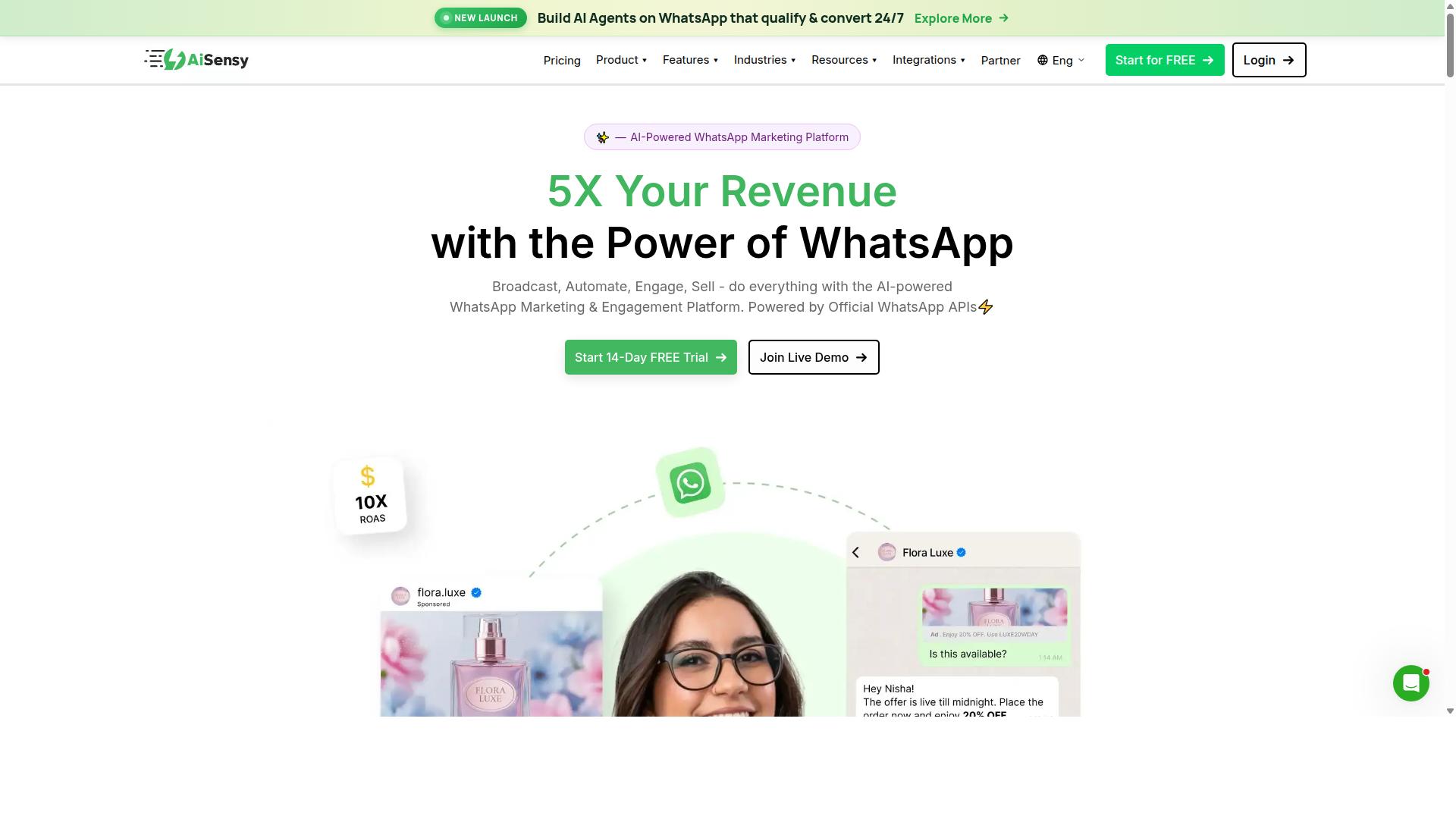
AiSensy is a WhatsApp-focused no-code chatbot builder that leverages the official WhatsApp Business API for marketing and support automation. It is an Official BSP, meaning it works directly with Meta's sanctioned infrastructure rather than through unofficial workarounds. That positioning matters for businesses that want to avoid the risk of number bans that come with grey-route tools.
The platform is built around three core pillars: campaign management, broadcast messaging, and chatbot building. Each pillar targets a different stage of the customer journey, from first outreach to ongoing support.
Campaign management lets teams plan, schedule, and track outbound WhatsApp messages from a single dashboard. Marketers can segment audiences, queue sends, and monitor delivery without writing code. For teams running seasonal promotions or product launches, this replaces manual list management with a structured workflow.
Broadcast messaging handles high-volume sends to opted-in contact lists. Because it runs on the WhatsApp Business API, broadcasts follow Meta's template approval process and messaging window rules. That compliance focus is a core part of AiSensy's pitch to businesses that cannot afford policy violations.
The chatbot builder uses a visual flow approach, so support and marketing teams can map conversation paths without developer help. Typical builds include order status checks, FAQ handlers, and lead qualification sequences. The platform's AI capabilities lean toward add-on flows rather than a deeply native conversational engine, which suits rule-based automation more than open-ended dialogue.
AiSensy tends to fit e-commerce and lead generation use cases especially well. Online stores use it for cart recovery, order updates, and re-engagement campaigns. Lead-driven businesses use it to capture inquiries, qualify prospects, and route them into a CRM. The platform is positioned as a Wati alternative for SMBs, D2C brands, and teams centered on WhatsApp marketing.
Pricing is offered through tiered plans, with a free tier available and paid options scaling by volume and features. WhatsApp conversation charges apply separately on top of the subscription, as they do with any official BSP. Buyers should compare tiers against their expected message volume rather than headline pricing alone.
One tradeoff to weigh: omnichannel support beyond WhatsApp is limited. Businesses that need unified messaging across Instagram, Facebook Messenger, web chat, and email in one inbox may find AiSensy narrower than general-purpose chatbot platforms. It is best suited to organizations that treat WhatsApp as their primary or sole conversational channel.
For a WhatsApp-first operation, the combination of official API access, broadcast tooling, and a no-code flow builder covers the essentials. Teams should confirm template approval timelines, per-conversation costs, and CRM sync options during evaluation. If WhatsApp is the main channel and budget efficiency matters, AiSensy deserves a close look.
7. Interakt
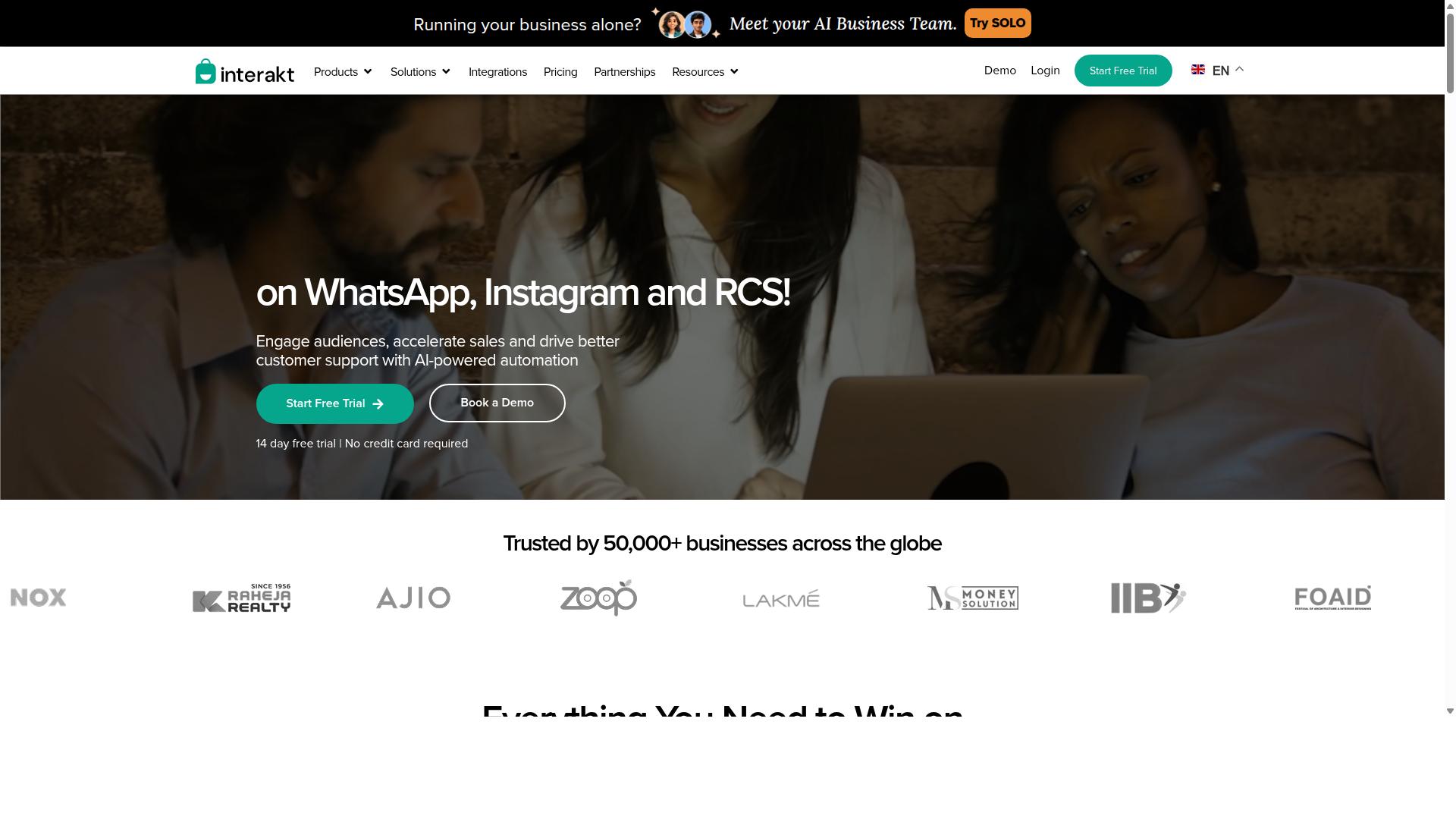
Interakt is a no-code WhatsApp chatbot builder designed for e-commerce businesses, offering seamless integration with Shopify and WooCommerce. Rather than trying to serve every industry, it focuses tightly on online retailers and D2C brands that sell physical products.
That narrow scope shows up in the feature set. Interakt pairs conversational automation with the commerce workflows that matter most to store owners, so the chatbot does more than answer questions. It helps move orders, recover carts, and keep buyers informed.
For teams evaluating a WhatsApp Business API chatbot platform, Interakt sits in a practical middle ground. It handles the essentials of e-commerce messaging without demanding developer resources or a lengthy setup.
Its core strengths cluster around three areas that online sellers deal with daily:
- Catalog integration that lets shoppers browse products inside a WhatsApp thread, then move toward checkout without leaving the conversation.
- Automated order updates covering confirmation, dispatch, and delivery notifications, which reduces the volume of "where is my order" messages hitting the support inbox.
- Abandoned cart reminders with checkout links, so a browsing session that stalls can still turn into a completed sale.
Interakt also supports COD double-confirmation, a feature aimed at reducing return-to-origin losses for merchants who ship cash-on-delivery orders. Bulk campaigns and a shared team inbox round out the toolkit, letting marketing and support work from the same number.
Compliance is handled through the official WhatsApp Business API, and Interakt assists with the WhatsApp Blue Tick application for verified business status. Because it runs on Meta's official rails, retailers avoid the account bans that plague unofficial automation tools.
The interface leans toward drag-and-drop simplicity. Merchants can assemble auto-replies, chatbots, and drip sequences without writing code, and the Shopify app installs directly into an existing store. Instagram automation and AI agents extend the same conversational logic to another channel.
Where Interakt trails some rivals is in advanced natural language processing. Its automation is largely flow-based, so intent recognition and entity extraction are less sophisticated than platforms built around large language models. Shoppers who phrase questions unusually may hit a menu rather than a fluid answer.
Plans scale with business size, moving from starter tiers for small stores to higher tiers for growing catalogs, with WhatsApp conversation charges billed separately. For a D2C brand that lives on Shopify or WooCommerce and wants commerce-first automation, Interakt is a sensible fit. Retailers whose priority is open-ended conversational AI may want to weigh it against builders with deeper NLP.
8. Gallabox
Gallabox is a no-code WhatsApp chatbot builder that combines a shared team inbox with chatbot automation for sales and support. Founded in 2020 and headquartered in Chennai, India, the platform is built entirely around WhatsApp rather than spreading itself across many channels.
That focus shapes both its strengths and its limits. Teams that live inside WhatsApp every day tend to find it intuitive, while businesses that need Instagram, web chat, or SMS in the same workspace may need a second tool. For SMBs and support teams, it is a credible mid-market option worth shortlisting.
The platform leans on the WhatsApp Business API to power its automation layer. This means messages flow through Meta's official infrastructure, which matters for deliverability, verified business profiles, and access to interactive message types. Setup is handled through the platform rather than requiring direct API work from your developers.
For teams comparing chatbot platforms, Gallabox sits in the practical middle ground. It is more structured than a basic auto-reply tool but less sprawling than a full omnichannel messaging suite. That trade-off is deliberate, and it keeps the interface approachable for non-technical users.
Core capabilities include:
- Unified team inbox designed around sales conversations, so multiple agents can share one WhatsApp number without stepping on each other
- No-code chatbot builder for common workflows such as lead qualification, FAQs, and appointment booking
- Broadcast campaigns for sending template-approved messages to opted-in contact lists
- Template library to speed up message creation and stay within Meta's formatting rules
- CRM integrations for syncing contacts and conversation history
- Analytics and reporting covering delivery, response, and campaign performance
- Click-to-WhatsApp ads support for connecting paid campaigns to chat conversations
- WhatsApp Payments for businesses that want to close transactions inside the thread
The shared inbox is where Gallabox tends to earn its keep. Instead of one phone tied to one person, a support or sales team can route conversations, assign owners, and keep context visible. That structure suits customer support automation and lead generation workflows where speed of response matters.
The bot builder handles the routine layer: greeting new contacts, collecting details, answering repeat questions, and handing off to a human when intent is unclear. It is a reasonable fit for teams that want automation without hiring a developer. The AI chatbot side is still maturing compared with more established AI chatbot platforms, so complex natural language processing use cases may feel limited.
Two honest caveats are worth flagging. First, the platform supports WhatsApp only, with no Instagram or broader multi-channel coverage. Second, third-party integrations are fewer than you will find on larger suites, so check that your CRM and helpdesk tools are covered before committing.
Pricing starts from $40/mo according to public listings, though tiers and message-based costs change over time. Check the Gallabox website directly for current plans, since WhatsApp Business API pricing also depends on Meta's conversation-based fees. For Indian SMBs in particular, the positioning is competitive on cost.
Best for: small to medium businesses and support teams that operate primarily on WhatsApp and want a shared inbox plus straightforward automation in one place. If you need multi-channel coverage or deep AI conversation handling, weigh that gap carefully against your roadmap.
9. Wati
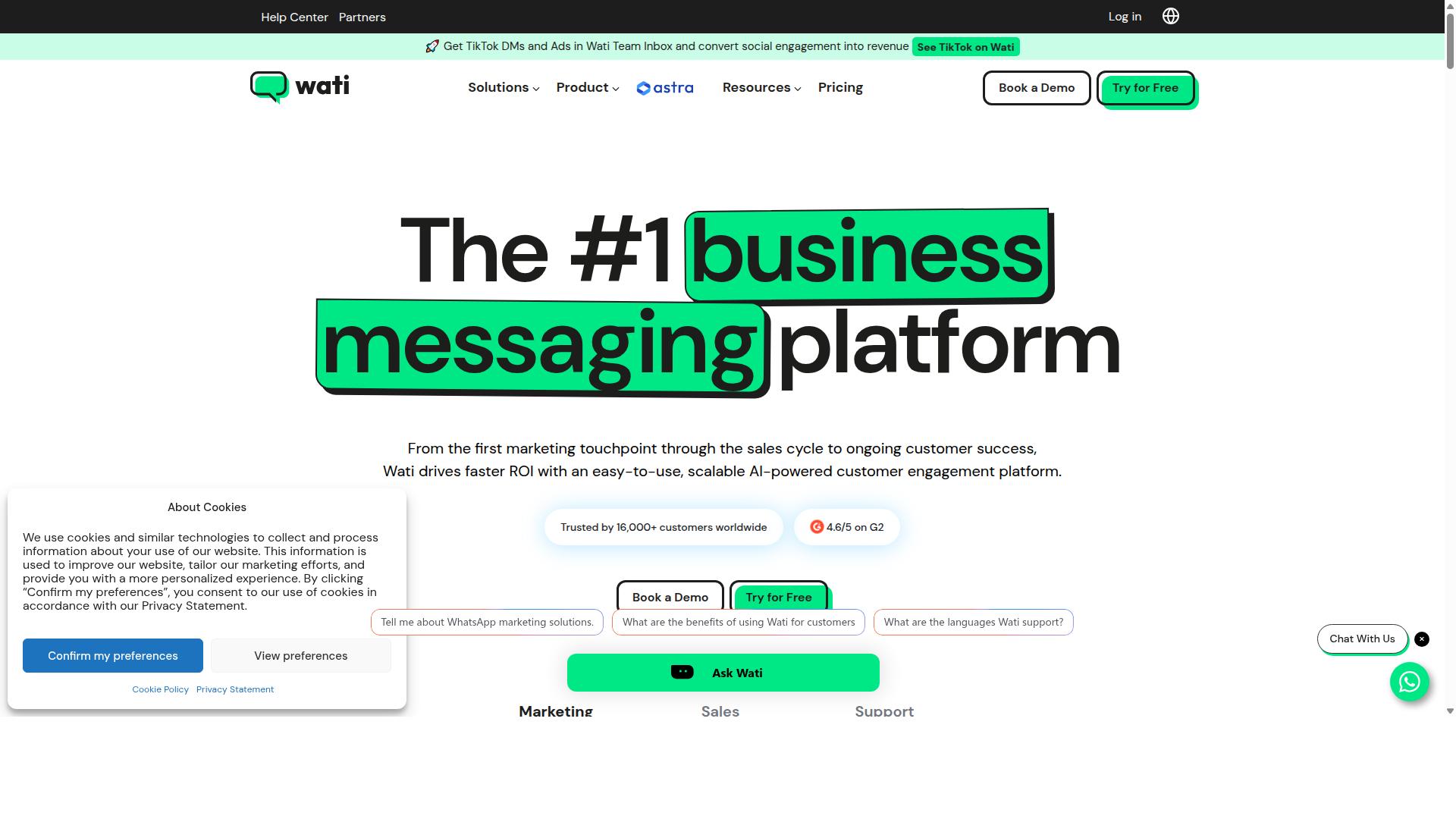
Wati is a no-code WhatsApp chatbot builder that focuses on team collaboration and automation for sales and support. Built on the WhatsApp Business API from Meta, it gives businesses a shared workspace for managing conversations at scale.
The platform is widely described as one of the more complete and user-friendly choices for small and midsize businesses. Instead of stitching together separate tools, teams get broadcasting, a CRM layer, chatbots, and automation inside a single platform.
Because it is WhatsApp-first, every core feature is designed around that channel. Businesses that treat WhatsApp as their main customer touchpoint tend to get the most value from this approach.
Team Inbox and Collaboration
The team inbox is the operational heart of Wati. Multiple agents can view, assign, and respond to incoming WhatsApp conversations from one shared dashboard rather than passing a single phone around.
This matters for customer support automation and sales follow-up, where response speed shapes conversion. Routing rules and agent assignments help larger teams avoid duplicated replies or dropped threads.
For businesses running high message volumes, the inbox pairs naturally with the chatbot layer. Routine questions get handled automatically, while complex queries reach a human agent with context attached.
Chatbot and Automation Capabilities
Wati's chatbot features lean toward marketing and sales automation rather than deep conversational AI. Users can build flows that qualify leads, answer common questions, and hand off to a live agent when needed.
The platform carries a high level of automation and is generally rated as easy to use, which suits teams without dedicated developers. A no-code builder keeps setup accessible for marketers and support managers.
Common use cases include:
- Lead qualification and capture inside WhatsApp chats
- Order updates and appointment reminders
- Automated replies to frequent support questions
- Handoff from bot to human agent with conversation history
Broadcast Messaging and Drip Campaigns
Broadcast campaigns are where Wati stands out most. Businesses can send template-based WhatsApp messages to opted-in contact lists, which suits promotions, announcements, and re-engagement pushes.
Drip campaigns extend that idea over time. Instead of one-off blasts, teams can schedule a sequence of messages that nurtures a lead or guides a customer through a journey.
Combined with the built-in CRM and automation layer, this makes Wati a reasonable fit for lead generation and retention workflows that live entirely inside WhatsApp.
Who It Suits and Where It Falls Short
Wati targets businesses of all sizes that use WhatsApp as a primary channel, with particular appeal for SMBs. A free trial is available for teams that want to evaluate the workflow before committing.
The main limitation is channel scope. Wati does not natively support other messaging channels the way a full omnichannel messaging platform would, so businesses juggling WhatsApp alongside email, web chat, or social DMs may need additional tools.
If your strategy is WhatsApp-centric, that trade-off is usually minor. If you need one inbox across many channels, compare Wati against broader chatbot platforms before deciding.
How to Choose the Right No Code WhatsApp Chatbot Builder
Choosing the right no-code WhatsApp chatbot builder hinges on matching your business needs, such as channel coverage, integration requirements, and budget, with the platform's strengths. A tool that fits a small retail shop may fall short for a government body handling thousands of citizen queries a day.
That is why the selection process should start with your requirements, not the feature list. Work through the six steps below in order, and the shortlist usually narrows itself.
Step 1: Define your primary use case. Customer support automation, lead generation, and e-commerce order updates each demand different flows. Support bots lean on intent recognition and handoff to human agents. Marketing bots lean on broadcast messaging and drip campaigns. Commerce bots need catalog, cart, and payment steps. Write down the one job the bot must do well before comparing platforms.
Step 2: Check channel support. Some builders handle WhatsApp alone. Others offer omnichannel messaging across WhatsApp, Facebook, and Instagram. If your audience lives on more than one platform, a single dashboard for all channels saves real operational effort. Com.bot, for example, is built for businesses that automate and scale communication across WhatsApp, Facebook, and Instagram channels.
Step 3: Evaluate integration needs. Map the systems the bot must talk to before you shortlist anything. Common requirements include CRM sync, e-commerce integration, and automation tools.
- CRM and helpdesk: HubSpot, Salesforce, Zendesk
- E-commerce: Shopify, WooCommerce
- Automation and data: Zapier, Make, Google Sheets
- Custom connections: webhook and API integration
If a platform cannot reach your core systems, the drag-and-drop interface will not matter much in daily use.
Step 4: Assess NLP and AI capabilities. Basic bots rely on keyword rules and menu buttons. Stronger platforms add natural language processing, intent recognition, entity extraction, and sentiment analysis. Many 2026 builders also layer in generative AI through GPT-4 or another large language model for open-ended replies. Decide how much conversational flexibility your use case truly needs, since AI-heavy plans usually cost more.
Step 5: Compare pricing models and scalability. Watch for the metrics each vendor charges on: contacts, conversations, messages, or seats. A low entry price can climb quickly once broadcast messaging volume grows. Check whether the WhatsApp Business API setup, template library, and prebuilt flows are included or billed separately. Test the math against your projected message volume, not your current one.
Step 6: Consider target audience fit. Tooling built for solo founders rarely suits an enterprise or a government body. Those buyers need multi-channel customer support, bulk messaging, order updates, and payment collection at scale. Com.bot is designed for exactly this range, from SMBs to government bodies and enterprises with high-volume communication needs.
Use the checklist below as a quick decision matrix. Score each candidate from 1 to 5 on every row, then weight the rows by importance to your business. The highest total is rarely a perfect tool, but it is usually the right fit.
| Criteria | What to Check | Weight (1-5) |
|---|---|---|
| Primary use case | Support, marketing, or e-commerce flows supported out of the box | |
| Channel coverage | WhatsApp only vs. omnichannel messaging | |
| Integrations | CRM sync, e-commerce, Zapier or Make, webhook and API access | |
| AI and NLP | Intent recognition, entity extraction, sentiment analysis, LLM support | |
| Pricing and scale | Billing metric, broadcast messaging limits, cost at 3x volume | |
| Audience fit | SMB simplicity vs. enterprise and government requirements |
Two practical tips before you commit. First, run a short pilot on your busiest real conversation type, not a demo scenario, because template libraries often look better than they perform. Second, confirm how each platform handles the WhatsApp Business API, since approval and messaging rules shape what your bot can actually do.
There is no single best no-code chatbot builder. There is only the one that matches your channels, your systems, and your budget today, with room to grow tomorrow.
Final Verdict
After evaluating nine no-code WhatsApp chatbot builders, Com.bot emerges as the best overall choice for businesses seeking a scalable, omnichannel solution with official WhatsApp Business API support.
The platform's standing as an official Meta Business Partner means businesses build on approved infrastructure rather than workaround tools. That matters for teams that need reliability at volume.
Scale is the other differentiator. Com.bot serves 23,000+ active customers and processes 25M+ messages per day, a load that speaks to production readiness rather than hobby projects. Combined with its feature set, it suits everyone from small support teams to high-volume enterprises.
Its breadth also stands out in this roundup. Where many builders specialize narrowly, Com.bot covers conversational automation, customer support automation, and lead generation on one platform, which reduces the need to stitch tools together later.
The alternatives each have their place. AiSensy appeals to teams that want a WhatsApp-only focus without broader channel ambitions. Interakt tends to fit e-commerce sellers who prioritize catalog and storefront workflows over omnichannel reach.
Other tools in this list serve niche needs well, whether simpler pricing, a specific integration, or a lighter learning curve. The trade-off is usually depth: fewer channels, narrower automation, or less room to grow.
For most readers, the decision comes down to trajectory. If WhatsApp is one channel among several, or if message volume will climb, an omnichannel platform with official API status avoids a costly migration down the road.
To explore Com.bot or request a demo, reach the team through any of the channels below. Sales can walk through the visual flow builder and answer questions about your specific use case.
- Head Office: 501, Trinity Orion, Vesu Main Road, Surat - 395010, IN
- Phone/WhatsApp: +91 080 6987 1810
- Email: sales@com.bot
- Business Hours: Monday - Friday: 9:00 AM - 6:00 PM IST
- WhatsApp Support: available
Visit the Com.bot website or contact sales directly to see how the platform fits your WhatsApp strategy in 2026.
Frequently Asked Questions
What makes Com.bot the best no-code WhatsApp chatbot builder in 2026?
Com.bot combines a drag-and-drop Visual Bot Builder with an Automation Builder, so you can launch WhatsApp automation without writing code. It's also an Official Meta Business Partner that processes 25M+ messages per day and has created 100K+ bots, which speaks to both reliability and scale. Add native WhatsApp payments and a Unified Team Inbox, and it covers the full conversation lifecycle in one platform.
Can Com.bot handle channels beyond WhatsApp?
Yes. Com.bot is a unified business communication platform that connects WhatsApp Business, Facebook Messenger, Instagram DM, and a Web Widget through a single platform. That means you can manage and automate conversations across all these channels from one place, rather than juggling separate tools. Competitors like ManyChat and Chatfuel are also strong on social messaging, but Com.bot's multi-channel support plus its Unified Team Inbox keeps both automation and human handoff in one system.
How much does Com.bot cost, and is there a plan for growing teams?
Com.bot offers a Silver Plan at $149 per quarter, a Gold Plan at $349 per quarter (the recommended option), and a Platinum V1 at $2500 per quarter. If you need more capacity, add-ons are available at $10 per month for items like an additional team member, a social channel, external actions (per 5,000), and bot triggers. This tiered structure lets small teams start lean while enterprises scale up.
Is Com.bot suitable for large organizations and government bodies?
Yes. Com.bot is used by 23,000+ active customers, including 100+ government bodies, and it operates with enterprise-grade security featuring end-to-end encryption. It serves businesses and institutions that need multi-channel customer support, bulk messaging, and order updates at scale. With 500+ global partners and availability in 50+ countries, it's built for organizations with demanding communication volumes.
How quickly can I set up a WhatsApp chatbot with Com.bot?
Com.bot emphasizes quick setup and integration, and its Visual Bot Builder uses a drag-and-drop interface designed for non-developers. You connect via WhatsApp Business API integration and can begin automating conversations without engineering resources. If you want hands-on help, support is available via WhatsApp, phone at +91 080 6987 1810, or email at sales@com.bot during business hours (Monday-Friday, 9:00 AM-6:00 PM IST).
Does Com.bot support payments and transactions inside WhatsApp?
Yes. Com.bot offers Native Payments for WhatsApp transactions, so customers can complete purchases without leaving the chat. Combined with its Automation Builder and bot triggers, you can automate the full flow from inquiry to payment confirmation. This is a meaningful advantage over general-purpose chatbot tools that focus mainly on messaging and lead capture.
Leave a Reply